Windows Server vs Linux Server: Which Is Better for Web Hosting?
Choosing the right server operating system is an important decision when hosting a website or web application. The server you choose can affect hosting costs,…
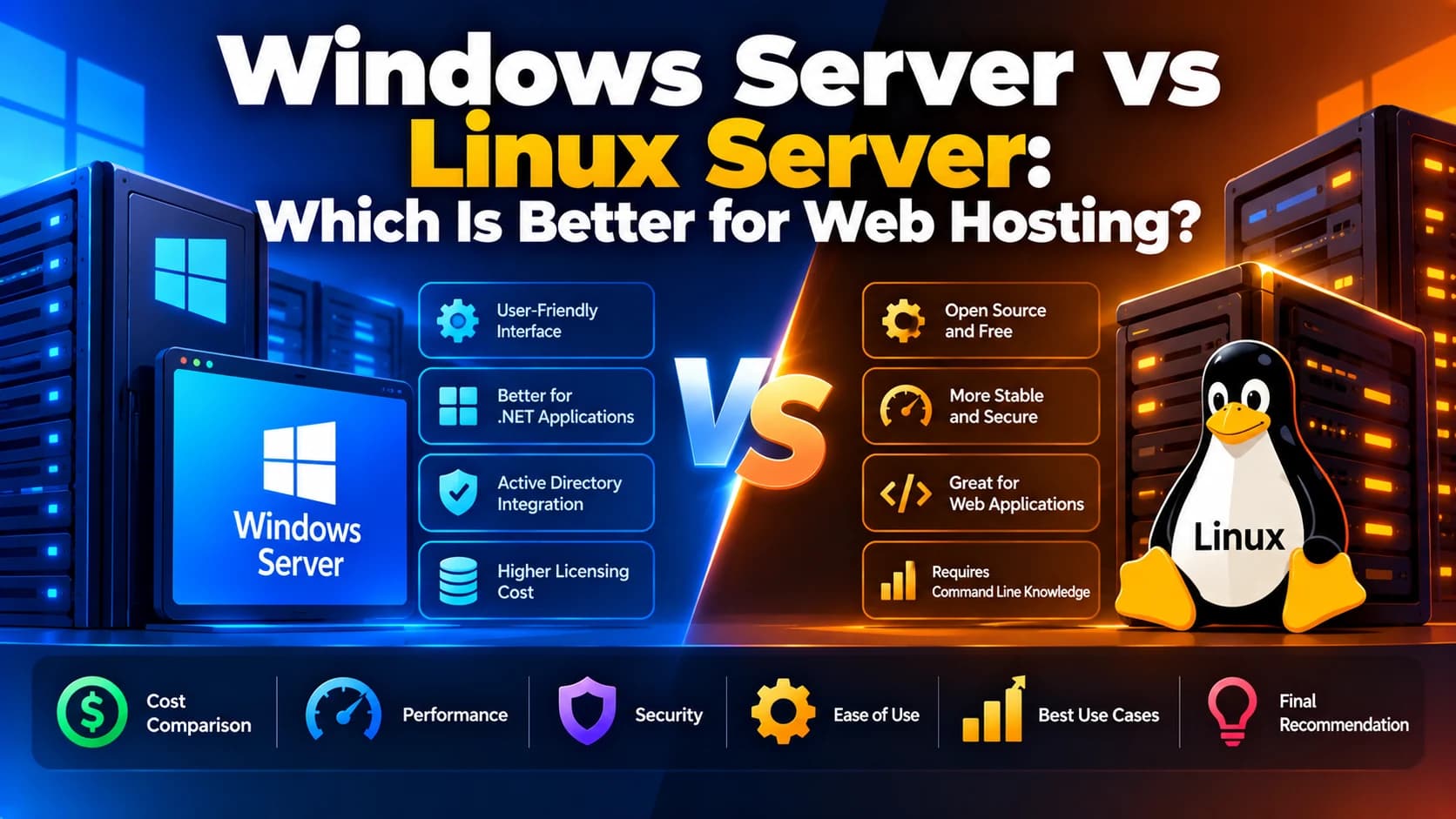
Choosing the right server operating system is an important decision when hosting a website or web application. The server you choose can affect hosting costs, performance, security, scalability, software compatibility, and ongoing maintenance.
Two of the most widely used server operating systems are Windows Server and Linux Server. Both offer reliable hosting environments, but they are designed to work well with different technologies and business requirements.
Linux Server is commonly used for PHP applications, WordPress websites, Python applications, and many Node.js deployments. Windows Server is often preferred for applications built with ASP.NET, .NET Framework, and Microsoft technologies that depend on Windows-specific components.
In this guide, we will compare Windows Server vs Linux Server for web hosting, explain their key differences, and help you choose the right option for your business.
What Is Windows Server?
Windows Server is a server operating system developed by Microsoft. It provides tools for hosting websites, managing applications, handling databases, controlling user access, and running enterprise software.
Windows Server integrates with Microsoft technologies such as Internet Information Services (IIS), Active Directory, and Microsoft SQL Server. It is particularly useful for organizations that rely on Microsoft-based applications and infrastructure.
Key Features of Windows Server
IIS web server: Hosts websites and web applications using Microsoft's Internet Information Services.
.NET support: Supports ASP.NET applications and applications that require Windows-specific .NET Framework components.
Microsoft ecosystem integration: Works with Microsoft SQL Server, Active Directory, and other Microsoft services.
Graphical management tools: Provides a familiar graphical interface for many administrative tasks.
Enterprise management: Offers centralized identity management, access control, and organizational infrastructure features.
Windows Server is a strong choice when your website or application depends on Windows-specific functionality or Microsoft enterprise systems.
What Is Linux Server?
Linux Server is a server environment based on the Linux operating system. Popular distributions include Ubuntu Server, Debian, Rocky Linux, AlmaLinux, and Red Hat Enterprise Linux.
Linux is widely used for web hosting because it offers flexibility, extensive developer tooling, and broad compatibility with modern web technologies.
Many developers use Linux servers to deploy applications built with PHP, Python, Node.js, Ruby, Java, and other programming languages.
Key Features of Linux Server
Open-source ecosystem: Many Linux distributions are available without an operating system licence fee.
Web server support: Works with Nginx, Apache HTTP Server, and other web server technologies.
Developer-friendly environment: Supports command-line tools, shell scripting, Git, Docker, and CI/CD workflows.
Flexible configuration: Allows administrators to customize services and system resources.
Cloud compatibility: Supported across major cloud platforms and many hosting providers.
Linux Server is a popular option for startups, development teams, SaaS platforms, and businesses that want flexible and cost-conscious hosting.
Windows Server vs Linux Server: Key Differences
The best server depends on your application requirements rather than simply which operating system is more popular.
Feature | Windows Server | Linux Server |
|---|---|---|
Licensing | Usually requires a paid licence, depending on the hosting plan | Many distributions are free to use |
Web server | Commonly uses IIS | Commonly uses Nginx or Apache |
ASP.NET applications | Strong support, including Windows-specific dependencies | Modern ASP.NET Core is supported on Linux |
.NET Framework | Supports Windows-specific .NET Framework applications | Not natively supported |
PHP applications | Supported | Widely used and commonly supported |
Node.js applications | Supported | Widely used |
Python applications | Supported | Widely used |
Database integration | Strong integration with Microsoft SQL Server | Supports PostgreSQL, MySQL, MariaDB, and SQL Server |
Administration | GUI and PowerShell tools | Commonly managed through the terminal and shell tools |
Customization | Depends on Windows configuration and licensing | Extensive control over system configuration |
Hosting costs | Can be higher when Windows licensing applies | Often lower for comparable self-managed hosting |
Best suited for | Windows-dependent and Microsoft-centric applications | General-purpose web hosting and many modern web stacks |
Actual performance and pricing depend on the server configuration, workload, hosting provider, and software being used.
1. Performance: Which Server Is Faster?
Both Windows Server and Linux Server can deliver excellent website performance when properly configured.
Performance depends on several factors, including CPU capacity, RAM, storage speed, web server configuration, caching, database performance, and application code.
Linux Server Performance
Linux is commonly used for high-traffic websites and web applications. Nginx and Apache can serve web content efficiently, while tools such as Redis, application-level caching, and process managers can improve response times.
Linux is particularly suitable for workloads involving PHP, Node.js, Python, and many containerized applications.
Windows Server Performance
Windows Server can also perform well under demanding workloads. It is especially suitable for applications optimized for IIS, ASP.NET, and Microsoft technologies.
Applications that depend on Windows-specific libraries may perform more reliably on Windows than on an environment where those dependencies are unsupported.
Which performs better?
There is no universal winner. For many conventional web hosting workloads, Linux is an efficient choice. For Windows-dependent applications, Windows Server may be the better technical fit.
2. Hosting Costs: Windows vs Linux
Hosting cost is an important consideration for businesses managing multiple websites or scaling a web application.
Linux Hosting Costs
Linux distributions such as Ubuntu Server and Debian can be used without paying an operating system licence fee. This can make Linux a cost-effective choice for self-managed virtual machines.
However, businesses still need to account for cloud infrastructure, backups, monitoring, technical support, security, and maintenance.
Windows Hosting Costs
Windows Server hosting may include additional licensing costs, depending on the hosting provider and service model.
Businesses using Microsoft technologies may also need to consider licensing for databases, development tools, or other enterprise software where applicable.
Which Is More Affordable?
Linux hosting often has a lower starting cost when comparing similar self-managed virtual machines. However, managed hosting plans, application requirements, support agreements, and licensing arrangements can change the total cost.
Before choosing a server, compare the complete monthly cost rather than only the advertised hosting price.
3. Security: Which Server Is More Secure?
Security depends on how the server is configured, updated, monitored, and maintained.
Both Windows Server and Linux Server provide security features, but administrators must configure them correctly.
Linux Server Security
Linux supports user and group permissions, firewall configuration, SSH access controls, security updates, and tools for restricting application privileges.
Common security practices include:
Disabling unnecessary services.
Restricting SSH access.
Configuring a firewall.
Applying security patches regularly.
Using least-privilege permissions.
Monitoring logs and unusual activity.
Configuring automated backups.
Windows Server Security
Windows Server includes security features such as Windows Defender, Windows Firewall, access control policies, and integration with Microsoft identity and management services.
Recommended practices include:
Installing security updates.
Restricting Remote Desktop Protocol (RDP) access.
Applying least-privilege access policies.
Configuring firewall rules.
Using strong authentication.
Monitoring system events.
Maintaining tested backups and recovery procedures.
Security recommendation: Choose the operating system your team can secure and maintain effectively. Neither Windows nor Linux is automatically secure without proper administration.
4. Software and Framework Compatibility
Software compatibility is one of the most important differences between the two server environments.
When to Choose Windows Server
Windows Server is a suitable option if your application requires:
.NET Framework components that depend on Windows.
ASP.NET applications tied to IIS or Windows-specific libraries.
Windows-based enterprise software.
Integration with Windows authentication or other Windows-specific services.
Applications that rely on COM components or other Windows-only dependencies.
When to Choose Linux Server
Linux Server is a suitable option for applications built with:
PHP and Laravel.
WordPress.
Node.js and Express.
Python and Django or Flask.
Ruby on Rails.
Java and Spring Boot.
Modern ASP.NET Core applications.
Docker-based services and many cloud-native workloads.
Remember that modern .NET and ASP.NET Core applications can run on Linux when their dependencies support it. You do not necessarily need Windows Server simply because your application uses C# or .NET.
5. Ease of Use and Server Management
The easier server is to manage depends on your team's experience and the tools used by your hosting provider.
Managing Windows Server
Windows Server offers graphical administration tools and PowerShell for automation. Teams familiar with Windows desktops and Microsoft infrastructure may find its management environment more familiar.
It can be particularly convenient when administrators already use Microsoft-based identity and management systems.
Managing Linux Server
Linux servers are commonly administered through SSH and the command line. Administrators use tools such as Bash, systemd, package managers, Nginx configuration, and deployment scripts.
Although Linux may require more command-line knowledge initially, automation can make deployments repeatable and efficient.
For example, a developer can automate application deployment using GitHub Actions, SSH, shell scripts, and a service manager.
Which is easier? Windows may be more familiar to teams that prefer graphical administration, while Linux is often convenient for developers who use command-line tools and automated deployment workflows.
6. Database Compatibility
Your database requirements can influence your server choice.
Windows Server integrates well with Microsoft SQL Server and applications built around Microsoft's data platform.
Linux supports a broad range of databases, including PostgreSQL, MySQL, MariaDB, MongoDB, and SQL Server on supported Linux distributions.
Many applications also use managed database services, meaning the database runs separately from the web server. This gives businesses more flexibility to select a hosting operating system independently of their database platform.
For example, a Node.js application running on Linux can connect to a managed SQL Server database if the application and database configuration support it.
7. Scalability and Cloud Hosting
Both Windows Server and Linux Server can scale to support growing web applications.
Scalability depends on application architecture, database capacity, caching, load balancing, and infrastructure configuration—not just the operating system.
Scaling Linux-Based Applications
Linux is widely used with Docker, Kubernetes, Nginx, reverse proxies, and automated deployment pipelines.
A business can start with a single virtual machine and later introduce load balancing, multiple application instances, managed databases, and content delivery networks.
Scaling Windows-Based Applications
Windows Server can also support multi-server deployments, load balancing, centralized management, and cloud-based scaling.
Organizations hosting existing Windows applications can use cloud infrastructure to increase computing capacity and improve availability as demand grows.
Both environments are supported by cloud platforms such as AWS and Microsoft Azure, although the specific available services and deployment options vary.
8. Which Server Is Better for Different Types of Websites?
The right choice becomes easier when you consider the technologies your website uses.
Website or application type | Recommended starting point |
|---|---|
WordPress website | Linux |
PHP and Laravel application | Linux |
Node.js application | Linux in many cases |
Python web application | Linux in many cases |
ASP.NET Core application | Linux or Windows, depending on dependencies |
Legacy ASP.NET / .NET Framework application | Windows |
Windows-dependent enterprise software | Windows |
Docker-based web application | Linux is a common choice |
Microsoft-integrated business application | Windows may be appropriate |
These are general recommendations, not strict rules. Confirm the application's runtime, libraries, and hosting requirements before deciding.
9. Common Mistakes When Choosing a Server
Businesses can run into unnecessary costs or technical problems when they choose a server without evaluating their application's needs.
Choosing Based Only on Price
A low-cost server may not support your application's required runtime or dependencies. Compare compatibility, licensing, support, and maintenance costs.
Ignoring Application Dependencies
An application may require a particular operating system, web server module, or native library. Confirm those requirements before deployment.
Underestimating Maintenance
Every production server needs security updates, backups, monitoring, access controls, and recovery planning.
Overlooking Future Growth
If your application is expected to grow, consider load balancing, deployment automation, database scaling, and monitoring from the beginning.
Selecting an Unfamiliar Environment
Using an operating system your team cannot maintain may increase downtime and support costs. Consider your team's technical skills alongside the application's requirements.
10. How to Choose the Right Server for Your Business
Before selecting Windows Server or Linux Server, evaluate these five factors:
Application technology: Identify your programming language, framework, runtime, and operating system dependencies.
Budget: Compare infrastructure, licensing, maintenance, and support costs.
Team expertise: Choose an environment your developers or system administrators can manage reliably.
Performance requirements: Estimate traffic, CPU and memory requirements, database load, and storage needs.
Future scalability: Plan for deployment automation, monitoring, backups, and increased traffic.
If you are developing a new web application without Windows-specific dependencies, Linux is often a practical starting point. If you are maintaining a legacy Windows application or rely on Windows-only components, Windows Server is usually the more appropriate option.
Conclusion
Windows Server and Linux Server are both capable hosting platforms, but they serve different needs.
Linux Server is often a cost-effective and flexible option for WordPress, PHP, Node.js, Python, containerized applications, and many modern web development projects.
Windows Server is particularly valuable for applications that rely on .NET Framework, IIS-specific functionality, or other Windows-based enterprise technologies.
The best choice is the one that meets your application's technical requirements, fits your budget, and can be managed securely as your business grows.
At Dotcube Technologies, choosing the right hosting infrastructure is an important part of building reliable and scalable digital solutions. Evaluating your application requirements before deployment can help reduce unnecessary costs and support long-term growth.
Frequently Asked Questions
1. Is Linux Server better than Windows Server for web hosting?
Linux is often a strong choice for general web hosting because of its flexibility and the availability of distributions without operating system licence fees. Windows Server is better suited to applications that require Windows-specific features.
2. Is Windows Server more expensive than Linux Server?
Windows Server hosting can cost more when additional operating system licensing applies. Linux hosting often has lower initial infrastructure costs, but total expenses depend on support, maintenance, and application requirements.
3. Can I host a .NET application on Linux?
Yes. Modern .NET and ASP.NET Core applications can run on Linux when their dependencies are compatible. Applications that require the Windows-only .NET Framework generally need a Windows environment.
4. Which server is better for Node.js hosting?
Linux is a common choice for Node.js applications because it works well with command-line deployment tools, process managers, reverse proxies, and automated CI/CD workflows. Windows can also host Node.js applications.
5. Which server is better for WordPress?
Linux is generally the preferred option for WordPress hosting because WordPress is built on PHP and commonly uses a Linux, Nginx or Apache, and MySQL or MariaDB stack.
6. Can I migrate from Windows Server to Linux Server?
Yes, if your application's programming language, framework, dependencies, and database are supported on Linux. Before migrating, test the application, review file paths and permissions, validate integrations, and prepare a rollback plan.
7. Can Windows Server and Linux Server both be hosted on AWS or Azure?
Yes. AWS and Microsoft Azure offer hosting options for both operating systems. The appropriate service depends on the application, operating system requirements, and preferred deployment model.