How to Secure a Production Server Against Common Security Threats
Securing a production server is essential for protecting business data, maintaining website availability, and preventing unauthorized access. A poorly…

Securing a production server is essential for protecting business data, maintaining website availability, and preventing unauthorized access. A poorly configured server can expose applications to attacks, data breaches, malware, and unexpected downtime.
Whether you host your application on AWS, Microsoft Azure, or a Linux VPS, following basic server security practices can significantly reduce these risks.
In this guide, we will cover practical steps to secure a production server against common security threats.
1. Keep Your Server Updated
Outdated operating systems, applications, and software packages may contain known security vulnerabilities. Install security updates regularly to reduce the risk of exploitation.
On Ubuntu or Debian, you can update packages using:
sudo apt update
sudo apt upgrade
Test important updates in a staging environment before applying them to critical production systems.
2. Use Strong SSH Authentication
SSH provides remote access to Linux servers. Weak passwords and exposed SSH services can increase the risk of unauthorized access.
Follow these practices:
Use SSH key authentication instead of password-based login where appropriate.
Disable direct root login when practical.
Use a dedicated account with limited privileges.
Restrict SSH access to trusted IP addresses or a VPN where possible.
Protect private SSH keys and never share them publicly.
Before changing SSH settings, verify that your key-based access works and keep an alternative administrative access method available to avoid locking yourself out.
3. Configure a Firewall
A firewall controls which network connections can reach your server. Only expose ports required for your application.
For example, on Ubuntu, UFW can help manage firewall rules:
sudo ufw allow OpenSSH
sudo ufw allow 80/tcp
sudo ufw allow 443/tcp
sudo ufw enable
These rules allow SSH, HTTP, and HTTPS. Confirm your SSH configuration and required ports before enabling the firewall. Cloud servers also need appropriate security group or network firewall rules.
4. Secure Your Applications and Dependencies
Server security also depends on the applications running on it. Vulnerable libraries, exposed API keys, and incorrect permissions can create entry points for attackers.
Update application dependencies regularly.
Store secrets in environment variables or a suitable secrets manager.
Avoid committing passwords and API keys to Git repositories.
Validate user input and use secure authentication.
Run applications with only the permissions they require.
Use HTTPS to protect data transmitted between users and your application.
For Node.js applications, review outdated dependencies and monitor application logs for suspicious errors or activity.
5. Enable Monitoring and Backups
Security monitoring helps identify unusual activity, repeated login failures, unexpected processes, and suspicious traffic. Regular backups help recover data after accidental deletion, hardware failure, or a security incident.
Monitor server CPU, memory, disk usage, authentication logs, and application health. Tools such as Prometheus, Grafana, and cloud monitoring services can help detect unusual patterns.
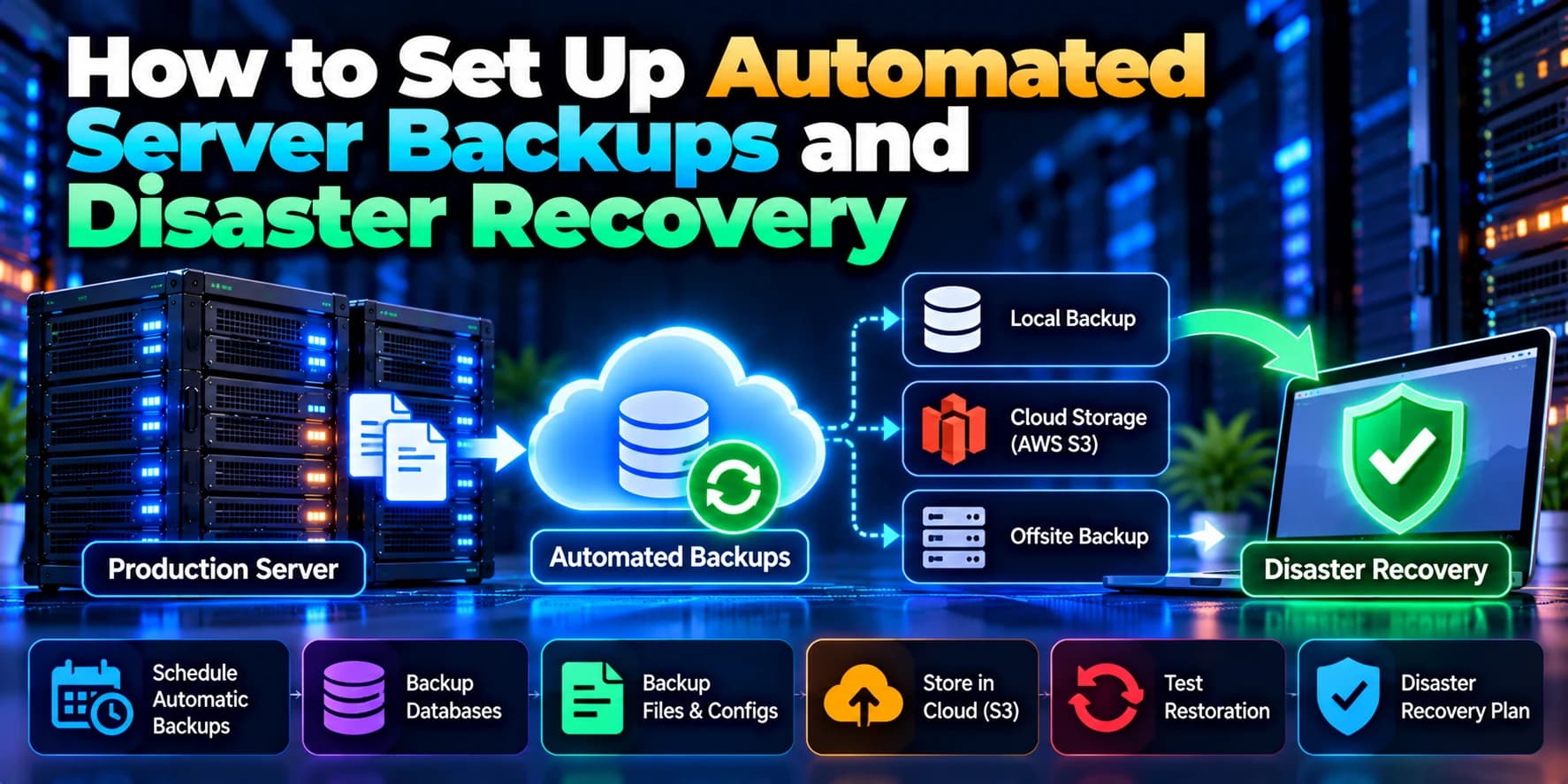
Keep backups separate from the production server where possible, restrict access to them, and test restoration procedures regularly.
6. Protect Against Common Security Threats
Production servers may face brute-force attacks, malware, denial-of-service attacks, data theft, and exploitation of vulnerable software.
To reduce these risks:
Use rate limiting and appropriate traffic filtering.
Apply least-privilege access controls.
Disable unused services and remove unnecessary software.
Configure secure TLS certificates and HTTPS.
Review access logs and investigate suspicious activity.
Use a web application firewall when suitable.
Create an incident response and recovery plan.
No single security measure can prevent every attack. A layered security approach provides stronger protection.
Conclusion
Securing a production server requires regular updates, strong authentication, firewall rules, application security, monitoring, and reliable backups. These measures help reduce common vulnerabilities and keep business applications more reliable.
Need help securing your production infrastructure? Dotcube Technologies helps businesses configure cloud servers, secure web applications, and implement practical server management and monitoring solutions.