Free Hosting vs Paid Cloud Servers: What Growing Businesses Need to Know
Choosing the right hosting solution is an important decision for any growing business. Whether you operate a business website, an e-commerce store, a SaaS…
Choosing the right hosting solution is an important decision for any growing business. Whether you operate a business website, an e-commerce store, a SaaS platform, or a custom web application, your hosting environment affects performance, reliability, security, and long-term operating costs.
Free hosting platforms are attractive because they allow businesses to launch websites without an initial hosting expense. However, as traffic increases and applications become more complex, free hosting may introduce limitations that affect the user experience and business operations.
Paid cloud servers, on the other hand, offer greater control, configurable resources, and more options for scaling applications. They also introduce ongoing costs and require careful infrastructure management.
In this guide, we will compare free hosting and paid cloud servers, explain their advantages and limitations, and help you decide which option is best for your business.
What Is Free Hosting?
Free hosting allows developers and businesses to publish websites or applications without paying a standard hosting fee. These platforms commonly provide limited resources, usage allowances, or a free tier designed for development, testing, and smaller projects.
Examples include the free tiers or plans offered by platforms such as Vercel, Netlify, and Render, subject to their current terms and eligibility requirements.
Free hosting is particularly useful for:
Personal websites and portfolios.
Small business landing pages.
Proof-of-concept applications.
Development and testing environments.
Student projects and prototypes.
Early-stage products with limited traffic.
However, free hosting does not necessarily mean unlimited hosting. Providers may restrict build minutes, bandwidth, compute usage, storage, execution time, or the number of projects you can deploy.
Some services may also suspend inactive applications, limit support, or require an upgrade when usage exceeds the free allowance.
What Are Paid Cloud Servers?
Paid cloud servers are hosting resources that businesses rent from cloud providers or hosting platforms. Depending on the service, these resources may include virtual machines, managed application hosting, databases, object storage, networking, and monitoring tools.
Popular options include Amazon Web Services (AWS), Microsoft Azure, and Google Cloud, along with paid application hosting platforms.
With paid hosting, businesses can select resources and services based on their application requirements. Depending on the provider and hosting model, they may also configure networking, server software, security policies, deployment workflows, and scaling strategies.
Paid cloud hosting is suitable for:
Business-critical websites.
High-traffic web applications.
E-commerce platforms.
SaaS products and subscription services.
Applications with growing databases.
Systems that require background processing or scheduled jobs.
Applications with specific security, availability, or compliance requirements.
The main advantage is not simply that paid hosting provides more resources. It gives businesses access to hosting configurations and operational capabilities that may not be available on a free plan.
Free Hosting vs Paid Cloud Servers: Key Differences
The best choice depends on your application's requirements, expected traffic, budget, and technical complexity.
Feature | Free Hosting | Paid Cloud Servers |
|---|---|---|
Initial cost | Usually no hosting fee within the free allowance | Ongoing charges apply |
Compute resources | Often limited | Configurable based on the service |
Traffic and bandwidth | Subject to plan limits | Higher limits or usage-based options may be available |
Performance | Depends on provider and plan restrictions | More options for allocating resources |
Scalability | Limited by the free plan | More flexible scaling options |
Server control | Often limited | Greater control with infrastructure services |
Custom domains | Often supported, subject to plan terms | Commonly supported |
SSL/HTTPS | Often included | Available through the provider or configured services |
Technical support | Usually limited | Paid support options may be available |
Database options | May have storage or usage limits | Broader managed and self-managed options |
Backups and recovery | Depends on the provider and plan | More configurable options, sometimes at additional cost |
Best suited for | Prototypes, demos, and small projects | Growing applications and business-critical systems |
Important: These are general differences, not guarantees. Some paid application platforms offer less server control than a self-managed virtual machine, while some free plans provide excellent performance for suitable workloads.
1. Hosting Costs: Free Plans vs Paid Infrastructure
Cost is often the first factor businesses consider when choosing a hosting solution.
Benefits of free hosting
Free hosting helps businesses avoid an initial hosting bill. It is useful when testing an idea, validating a product, or launching a website with limited traffic.
For example, a startup can deploy a React landing page on a suitable free frontend hosting plan while validating customer interest.
However, businesses should check the free plan's limits and understand what happens when usage increases. Exceeding an allowance may result in additional charges, restricted functionality, or a requirement to upgrade.
Benefits of paid cloud servers
Paid cloud hosting introduces predictable or usage-based expenses, depending on the provider and services selected.
Businesses may pay for:
Virtual machine or application runtime resources.
Database hosting.
Storage and backups.
Bandwidth and data transfer.
Load balancers and networking.
Monitoring and logging.
Additional support or security services.
A paid server is not automatically expensive. A carefully configured small instance may be sufficient for a low-traffic application. However, costs can increase significantly if resources are oversized or infrastructure is poorly managed.
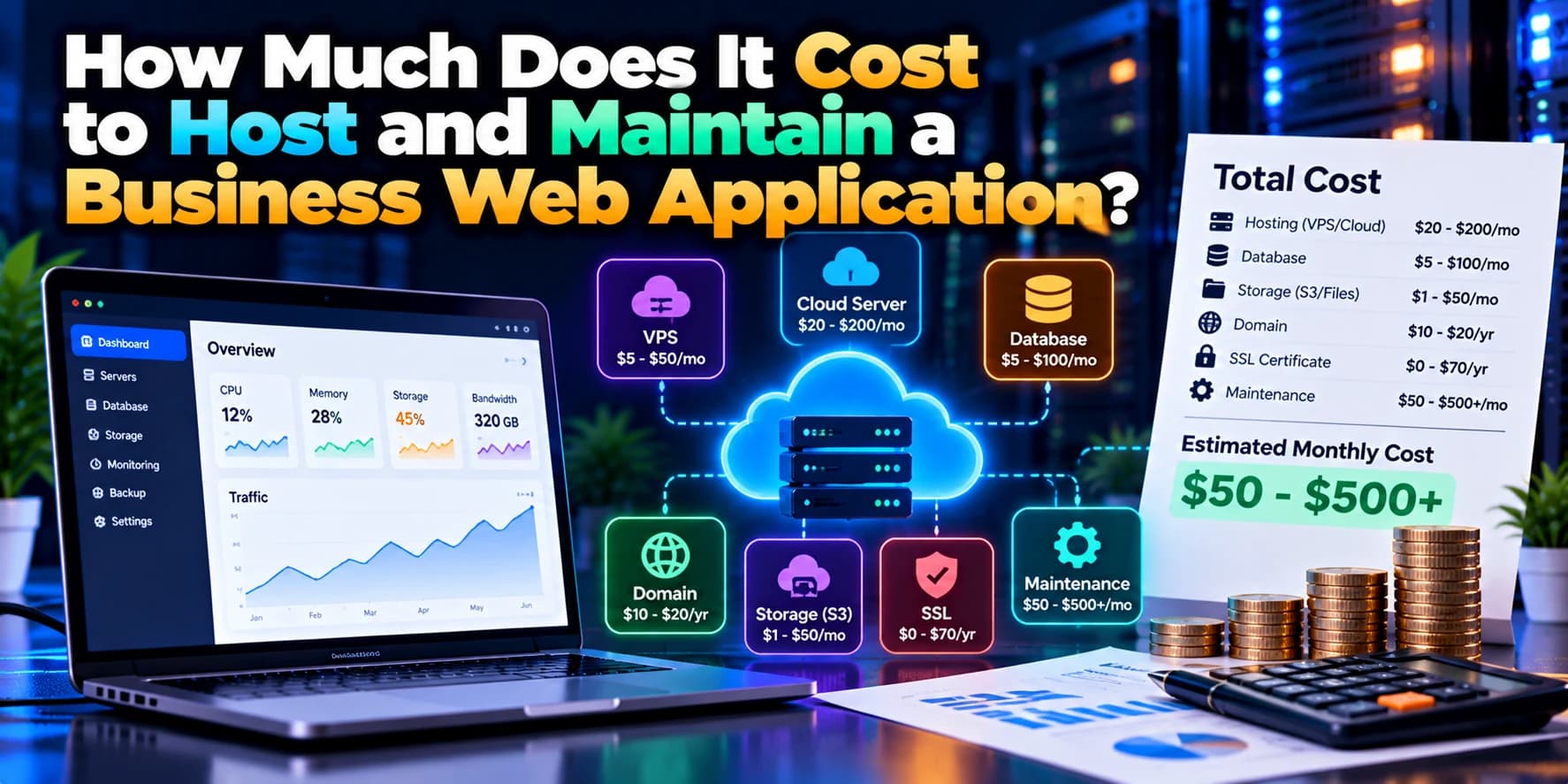
Business tip: Compare the total cost of hosting, database services, bandwidth, backups, monitoring, and maintenance rather than comparing only the advertised server price.
2. Performance and Website Speed
Website performance affects user experience, conversion rates, and customer satisfaction.
Performance on free hosting
Free hosting can deliver excellent performance for static websites and appropriately sized applications. Content delivery networks and caching may help pages load quickly for visitors in different locations.
However, some free plans impose restrictions on compute resources or application execution. Certain platforms may also pause inactive services or introduce startup delays.
These limitations can become noticeable when users access dynamic pages, make API requests, or perform resource-intensive operations.
Performance on paid cloud servers
Paid infrastructure gives businesses more ways to allocate CPU, memory, storage, and network resources. Depending on the architecture, they can also introduce caching layers, load balancing, dedicated database resources, and additional application instances.
For example, an e-commerce application may need more database capacity during promotional campaigns. A paid hosting setup can provide more options for allocating resources and managing increased demand.
However, paid hosting alone does not guarantee faster performance. Poor database queries, unoptimized images, inefficient application code, and inadequate caching can slow down even powerful servers.
3. Scalability as Your Business Grows
A hosting solution that works for a few hundred visitors may not be suitable for a much larger audience.
Scaling with free hosting
Free plans can be sufficient for early-stage applications with modest resource requirements. They allow businesses to test features and attract initial users without immediately investing in infrastructure.
As traffic grows, however, the application may approach resource limits or exceed usage allowances. Businesses may then need to upgrade their plans, optimize their application, or move to another hosting solution.
Scaling with paid cloud servers
Paid cloud infrastructure provides several scaling options, depending on the provider and architecture.
Vertical scaling: Increase the CPU, memory, or other resources available to an existing server.
Horizontal scaling: Add application instances to handle more concurrent requests.
Auto Scaling: Automatically adjust supported resources according to configured demand or monitoring metrics.
Managed services: Use managed databases, queues, caching, and other services to reduce the need to operate every component yourself.
For a growing SaaS application, these options can help maintain responsiveness as the number of customers and background tasks increases.
Scaling still requires planning. Businesses should test application behavior, monitor resource utilization, and estimate costs before increasing infrastructure capacity.
4. Reliability and Application Availability
Reliability is particularly important when a website or application supports daily business operations.
Reliability of free hosting
Free hosting may be reliable enough for a personal website, prototype, or non-critical application. However, some free plans have limitations around support, service guarantees, resource allocation, or availability commitments.
A free service should not be assumed to provide a particular uptime guarantee unless the provider explicitly states it.
Reliability of paid cloud servers
Paid cloud services may offer service-level agreements (SLAs), monitoring tools, backups, and infrastructure options designed for production workloads.
Businesses can also implement:
Health checks and uptime monitoring.
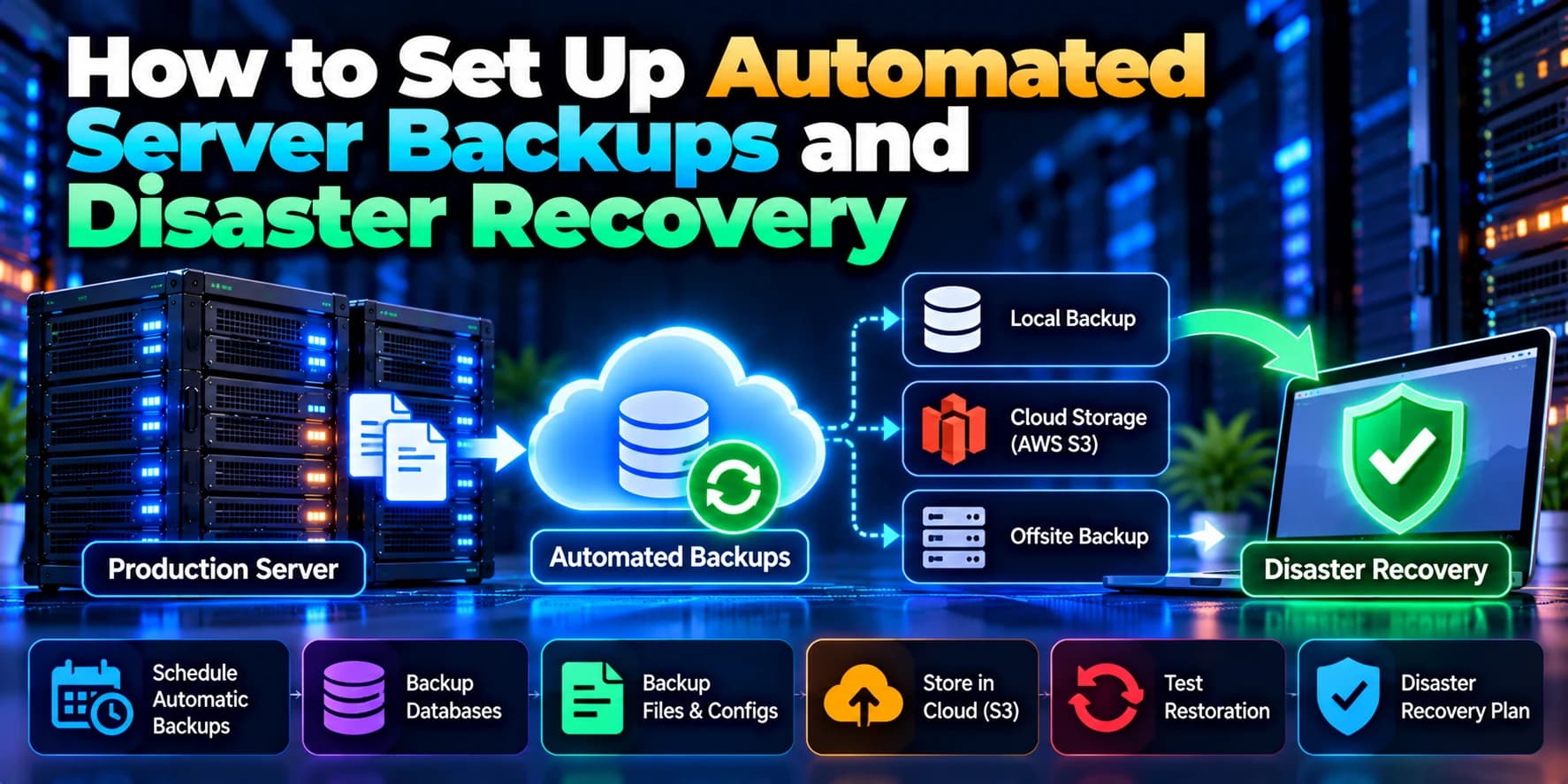
Automated backups.
Database replication.
Load balancing.
Redundant application instances.
Recovery procedures.
Alerts for application and infrastructure failures.
These features can improve resilience when they are configured correctly.
Important: Paying for cloud hosting does not automatically make an application highly available. Reliability depends on architecture, configuration, backups, and operational practices.
5. Security and Data Protection
Security becomes increasingly important when an application handles customer information, business records, payments, or confidential data.
Security considerations for free hosting
Free hosting platforms may provide HTTPS, platform-level protections, and managed infrastructure security. However, businesses remain responsible for application-level security and must understand the provider's plan limitations.
Important measures include:
Using secure authentication.
Protecting API credentials.
Validating and sanitizing user input.
Configuring access permissions.
Keeping dependencies updated.
Preventing unauthorized access to private files.
Avoiding the exposure of sensitive information in browser-side code.
A free plan should not be considered insecure by default, but it must meet the application's actual security requirements.
Security considerations for paid cloud servers
Paid cloud providers offer additional security capabilities, depending on the selected services. These may include private networking, identity and access management, encryption controls, firewall rules, centralized logging, and more advanced monitoring.
For example, a business running an application on AWS EC2 can restrict administrative access, place a database in a private network, configure firewall rules, and manage application secrets through appropriate services.
These controls must be implemented properly. A misconfigured paid server can still be exposed to attacks or data loss.
6. Server Control and Customization
The level of server control you need depends on your application's architecture.
Free hosting platforms
Many free application hosting services manage most of the underlying infrastructure. This makes deployment easier because developers do not need to configure operating systems, web servers, and process managers manually.
However, they may restrict operating-system access, custom system packages, persistent processes, or specialized networking.
Paid cloud servers
A virtual machine or dedicated server generally provides more control over the environment.
For example, developers may be able to:
Install and configure Nginx or Apache.
Set up Node.js or Python runtimes.
Configure process managers such as PM2.
Install required system packages.
Manage firewall and networking rules.
Run supported background workers.
Configure scheduled tasks and deployment pipelines.
This flexibility is valuable for applications with custom infrastructure requirements.
Keep in mind that a managed paid platform may still abstract away most server administration. Greater control usually comes from choosing an infrastructure service, not simply from paying for any hosting plan.
7. Database Hosting and Storage
Most dynamic applications require a database to store users, transactions, application settings, or other business information.
Databases on free hosting plans
Free database plans can be helpful during development and early testing. However, they may impose limits on storage, connections, compute usage, backups, or retention.
Before using a free database for a business application, confirm the provider's data retention and recovery policies. Do not assume that a free plan includes reliable backups.
Databases on paid cloud services
Paid services provide more options for managing database capacity, availability, backups, and access controls.
Depending on your requirements, you might use a managed PostgreSQL database, a managed MySQL service, or a database hosted on your own server.
A production database should have a documented backup and recovery strategy. Regularly test restoration procedures instead of assuming that a successful backup guarantees recoverability.
8. Technical Support and Maintenance
The time required to maintain hosting infrastructure is another important business cost.
Free hosting maintenance
Free platforms are often easy to use and may automate deployments, certificates, and other operational tasks. Support may be limited, however, and assistance for production incidents may not be included.
Businesses relying on a free plan should have a process for investigating deployment failures, checking logs, and responding to service disruptions.
Paid cloud hosting maintenance
Paid plans may offer additional support, monitoring, and management capabilities. The level of assistance depends on the provider and subscription.
A self-managed cloud server still requires ongoing work, including:
Operating-system and security updates.
Firewall configuration.
Monitoring and alerting.
Backup management.
Performance optimization.
Incident response.
Deployment and rollback procedures.
For businesses without an internal DevOps team, a managed hosting service or external development partner may reduce the maintenance burden.
9. When Should a Business Move From Free Hosting to Paid Cloud Servers?
You do not need to move to paid infrastructure just because your website has launched. Instead, evaluate whether the current hosting plan continues to meet your operational requirements.
Consider upgrading when:
Your application regularly reaches its resource or usage limits.
Traffic growth causes performance problems.
The application requires more database capacity or reliable background processing.
Your business needs specific security or networking controls.
You need stronger availability commitments or support arrangements.
Hosting limitations are affecting customer experience.
You need more control over deployment, monitoring, and recovery.
Your application has become important to revenue-generating operations.
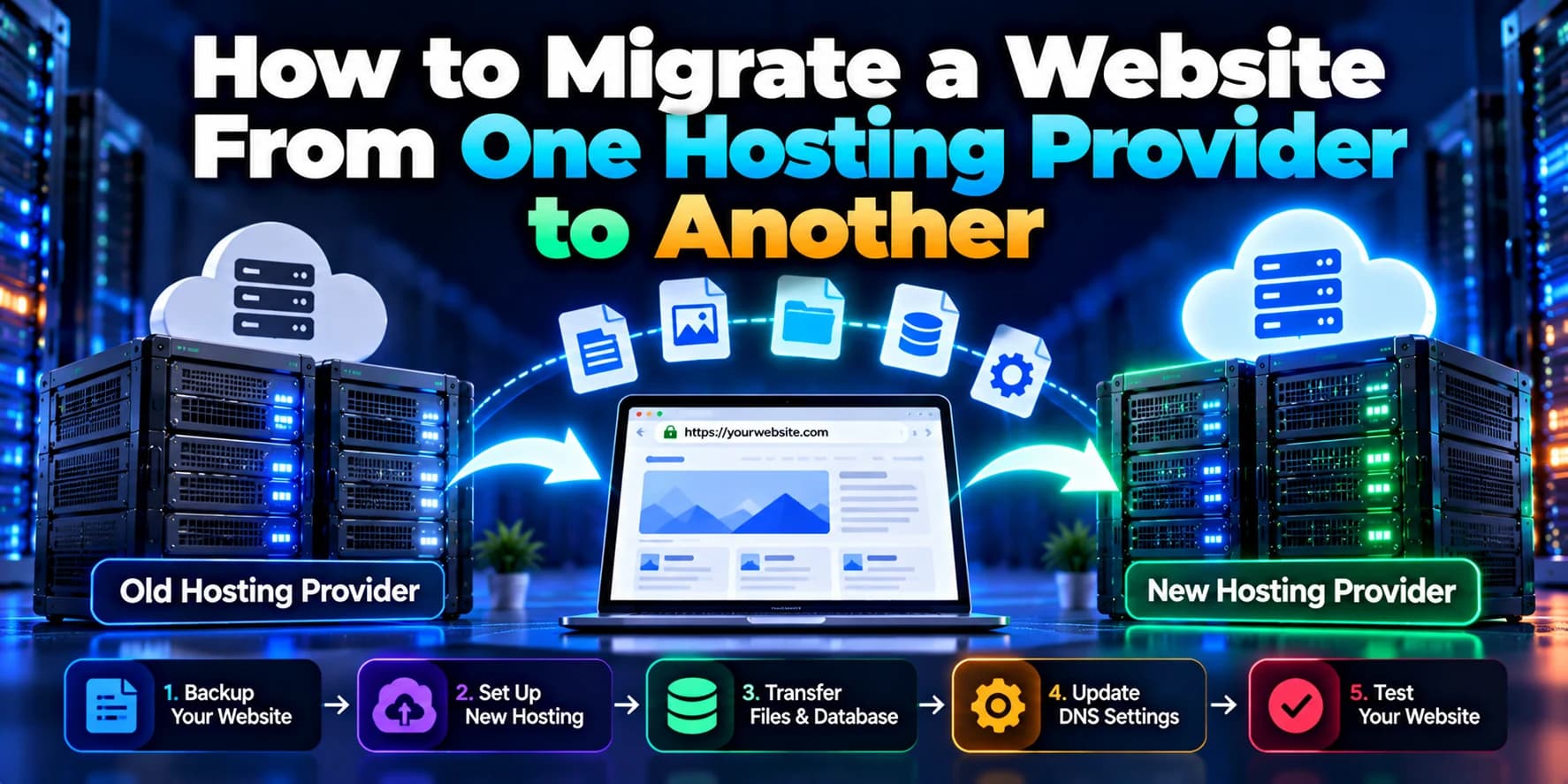
Before migrating, review the application's actual resource usage, database requirements, traffic patterns, and expected growth. You may be able to solve the problem by optimizing the existing application or upgrading the current platform rather than moving to a different provider.
10. How to Choose the Right Hosting Solution for Your Business
The best hosting choice depends on your project stage and technical requirements.
Choose free hosting if:
You are building a prototype or proof of concept.
You have a static website or small frontend application.
Traffic is low and resource usage is predictable.
The free plan supports your required framework and features.
Occasional restrictions are acceptable for the project's purpose.
You can migrate or upgrade if requirements change.
Choose paid cloud hosting if:
Your website directly supports sales or business operations.
You need more predictable access to compute and storage resources.
Your application has increasing traffic or database demands.
You need specific server configurations or networking controls.
You require production monitoring, backup, and recovery capabilities.
Downtime could cause meaningful financial or operational damage.
For many businesses, a gradual approach works well: start with a suitable free plan, monitor actual usage, and upgrade when measurable requirements justify the expense.
11. Examples of Hosting Options for Different Business Needs
The following examples illustrate how hosting choices may vary by project type.
Business requirement | Possible hosting approach |
|---|---|
Static business website | Free or paid frontend hosting |
React landing page | Vercel or Netlify, depending on plan requirements |
Next.js application | Vercel or another compatible application hosting platform |
Small Node.js API | A suitable application hosting plan |
Full-stack web application | Managed application hosting or cloud infrastructure |
High-traffic SaaS platform | Scalable application hosting, managed databases, and monitoring |
Custom backend with specialized server requirements | A configurable cloud virtual machine or suitable container platform |
Business-critical application | Hosting architecture designed around availability, security, backups, and recovery requirements |
Providers change their plans, quotas, and pricing over time, so verify current limits before making a final decision.
Conclusion
Free hosting and paid cloud servers both have a place in modern web development. Free hosting is useful for prototypes, small websites, and early-stage products, while paid cloud infrastructure offers more flexibility for applications with growing resource demands, specialized configurations, or stronger operational requirements.
The right decision should be based on your application's performance, security, availability, scalability, and total cost—not simply whether hosting is free or paid.
For a growing business, the goal is to choose a hosting solution that supports current requirements without creating unnecessary expenses or making future growth difficult.
Need help choosing the right hosting architecture for your business? Dotcube Technologies can help you evaluate hosting platforms, deploy web applications, optimize cloud infrastructure, and plan a migration that supports your business as it grows.